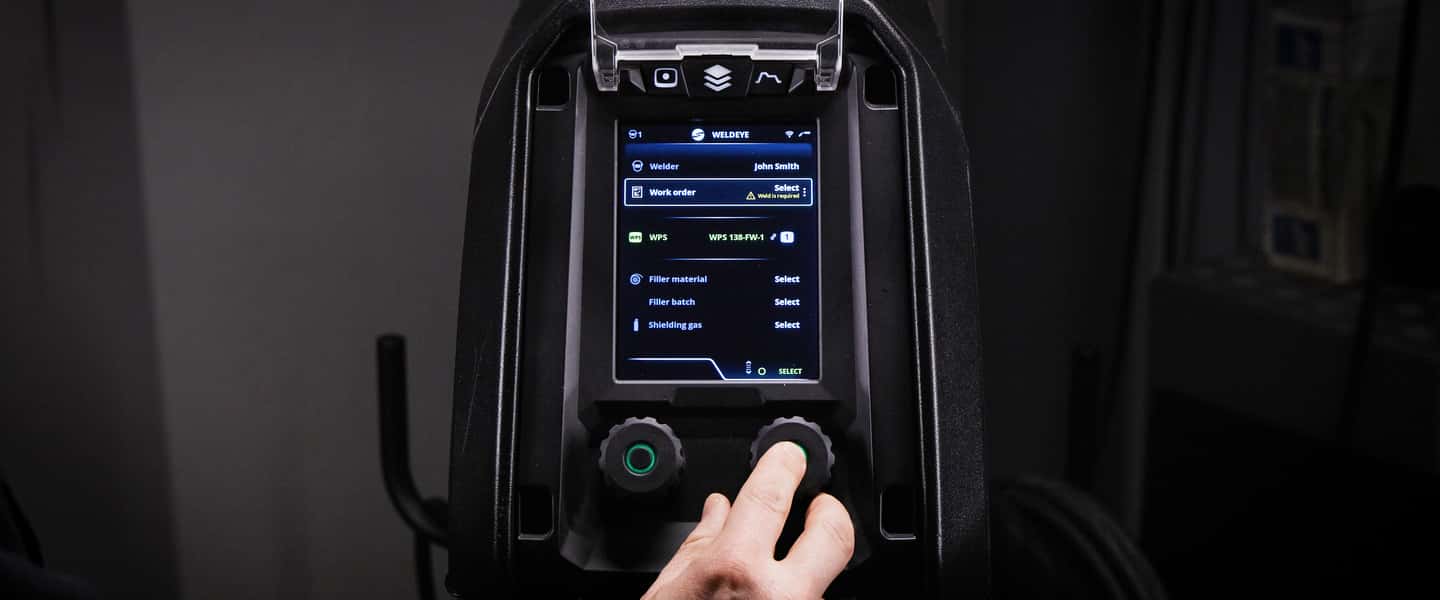
Selected Kemppi welding machines now have a built-in connection to WeldEye welding management software
22. oktober 2025
A new firmware update lets customers enjoy the full WeldEye experience with X5 FastMig and Master M 358 machines. The built-in connection in these welding machines allows you to use WeldEye Quality Management without any additional devices.
Firmware version 1.58 SP1 for X5 FastMig and 1.24 SP1 for Master M allow customers to use any WeldEye solution without additional devices, such as DCM, in X5 FastMig with APC Wire Feeder and Master M 358, welding machines.
Built-in connection means that all the welding data is collected from the machines and sent to the WeldEye cloud software. If you have a WeldEye Quality Management solution, welders can accept and complete their work orders in the welding machine's user interface. They will receive immediate feedback on each weld. There is no need for a separate mobile device.
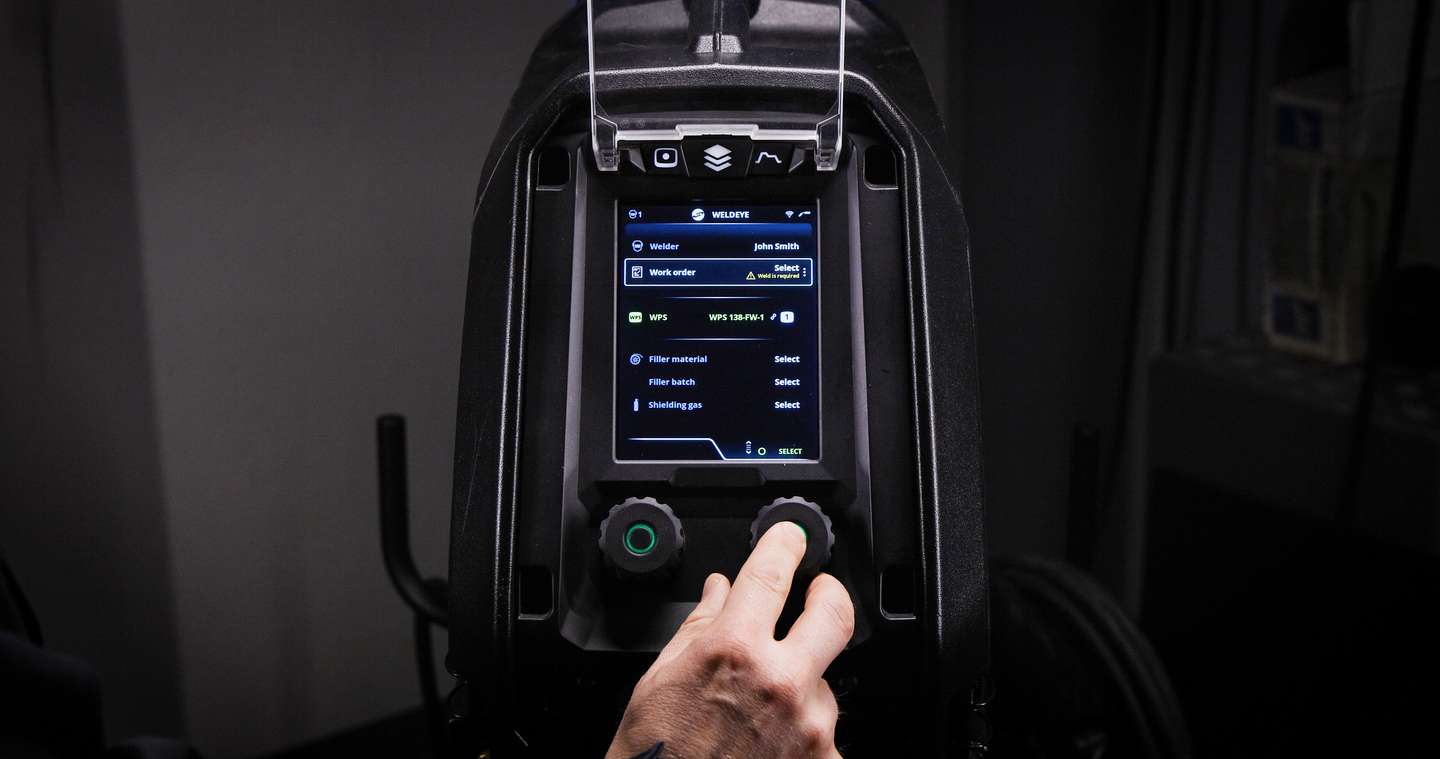
How does WeldEye Quality Management improve your welding production?
Improved quality and production tracking
Capture and collect all welding parameters and data into clear dashboards
Quality control and management for the whole welding process
Collect all the welding parameters and analyze them using a WPS comparison to ensure they are correct.
Compliance with any welding standards
Heat input and deviation alerts
Keep track of welders' qualifications
Ensure that welders have the appropriate and sufficient qualifications for each welding work.
Full traceability
The welder reports what is welded, the filler metals used, and the parameters used.
All information is collected in one place, providing full traceability.
All welding work orders are in one system
The welder can sign off on work orders and welds when they have been completed.
The welder can enter the weld's length to capture the heat input.
Read more about WeldEye Quality Management (in English)
How do you update the welding machine?
Inquire with your local contact about the firmware update for your welding machine.
Firmware and welding software
Ensure you have the correct firmware/software ZIP package saved on your computer for the welding equipment in question.
Connect the USB memory stick to the computer.
Prepare the USB memory stick by copying the firmware/software ZIP file into the root folder of the memory stick.
Turn the welding equipment on.
Open the USB connector cover and connect the USB memory stick to the X5 wire feeder.
The update process starts automatically. Follow the on-screen instructions.
You can find more detailed instructions for the software update in the Userdoc.
Are you interested in WeldEye? Contact your local Kemppi sales representative to schedule a free demo. Discover how WeldEye can enhance your welding productivity.